
Framer Redesign
Project Overview
Redesigning Framer to reduce onboarding friction by creating more familiar
workflows, guided learning, and intelligent design assistance for first-time
users transitioning from Figma.
The Problem
Framer is a powerful website builder, but many first-time users coming from
Figma struggle with unfamiliar workflows, limited onboarding, and a lack of
in-context guidance. These barriers make the platform more difficult to learn
and adopt.
The Solution
The redesigned Framer experience introduces guided onboarding, contextual
learning, real-time error checking, AI-powered design suggestions, and more
familiar workflows to help users learn as they build. The result is a more
intuitive website-building experience that reduces friction while preserving
Framer's creative flexibility.
This project explored how Framer could become more approachable for designers transitioning from familiar tools like Figma. We focused on reducing the learning curve by introducing guided onboarding, contextual learning, real-time feedback, and intelligent design assistance that supports users directly within their workflow.
Working through research, ideation, and prototyping, we explored how familiar patterns could make Framer's more complex features easier to understand while still preserving the flexibility that makes the platform powerful.
The final concept brings these features together into a more supportive and intuitive experience for first-time users. By helping users learn through doing rather than relying on external tutorials, the redesigned experience aims to build confidence, reduce frustration, and make the transition from Figma to Framer feel more natural and approachable. Together, these improvements create a workflow that helps users feel more confident as they learn, experiment, and build.
Key Contribution

Vibe coded the complete Framer redesign using Claude, creating a fully interactive prototype.

Conducted moderated usability testing at SCAD User Test Fest to identify prototype improvements.

Conducted secondary research to identify onboarding pain points and inform key design decisions.
Research Method
2345623456
Survey Responses
Collected feedback on onboarding challenges, workflows, and feature expectations.
56789
User Interviews
Conducted interviews to better understand user goals, pain points, and design behaviors.
23456
Competitive Analyses
Evaluated leading design and website builders to identify UX opportunities.
90123week
Research Duration
Completed a three-week research phase that guided the redesign strategy.
Key Findings
01
Figma users struggled to adapt to Framer's unfamiliar workflows and mental models.
02
Limited onboarding and hidden features made the platform difficult for first-time users.
03
Users want embedded guidance and real-time feedback over external resources.
Exploration & Iterations
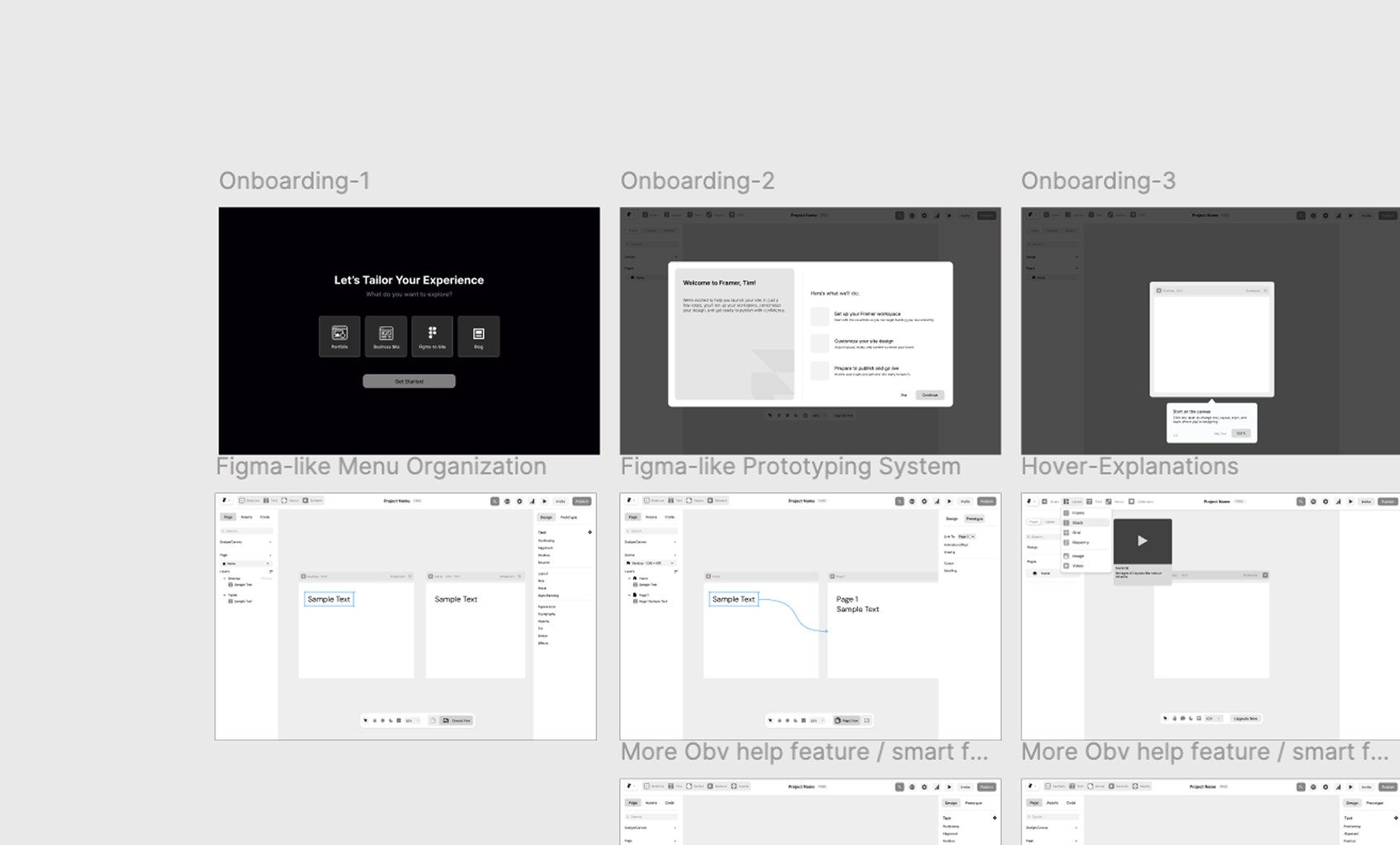
Low-fi Exploration
Explored multiple concepts for onboarding, workflows, and feature organization before narrowing down the strongest design direction.
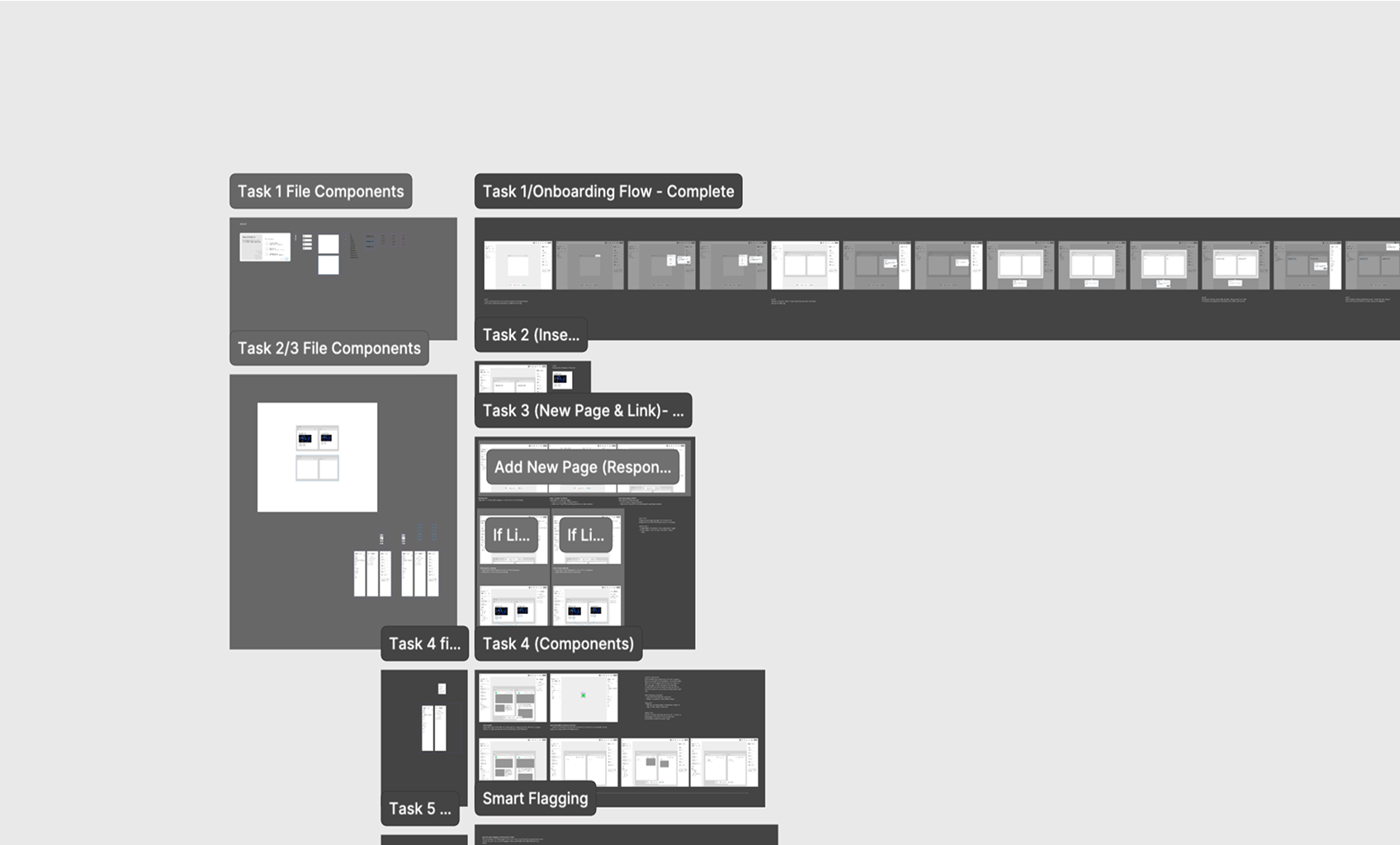
Mid-fi Iteration
Validated concepts through usability testing and refined the experience into mid-fidelity screens based on user feedback.
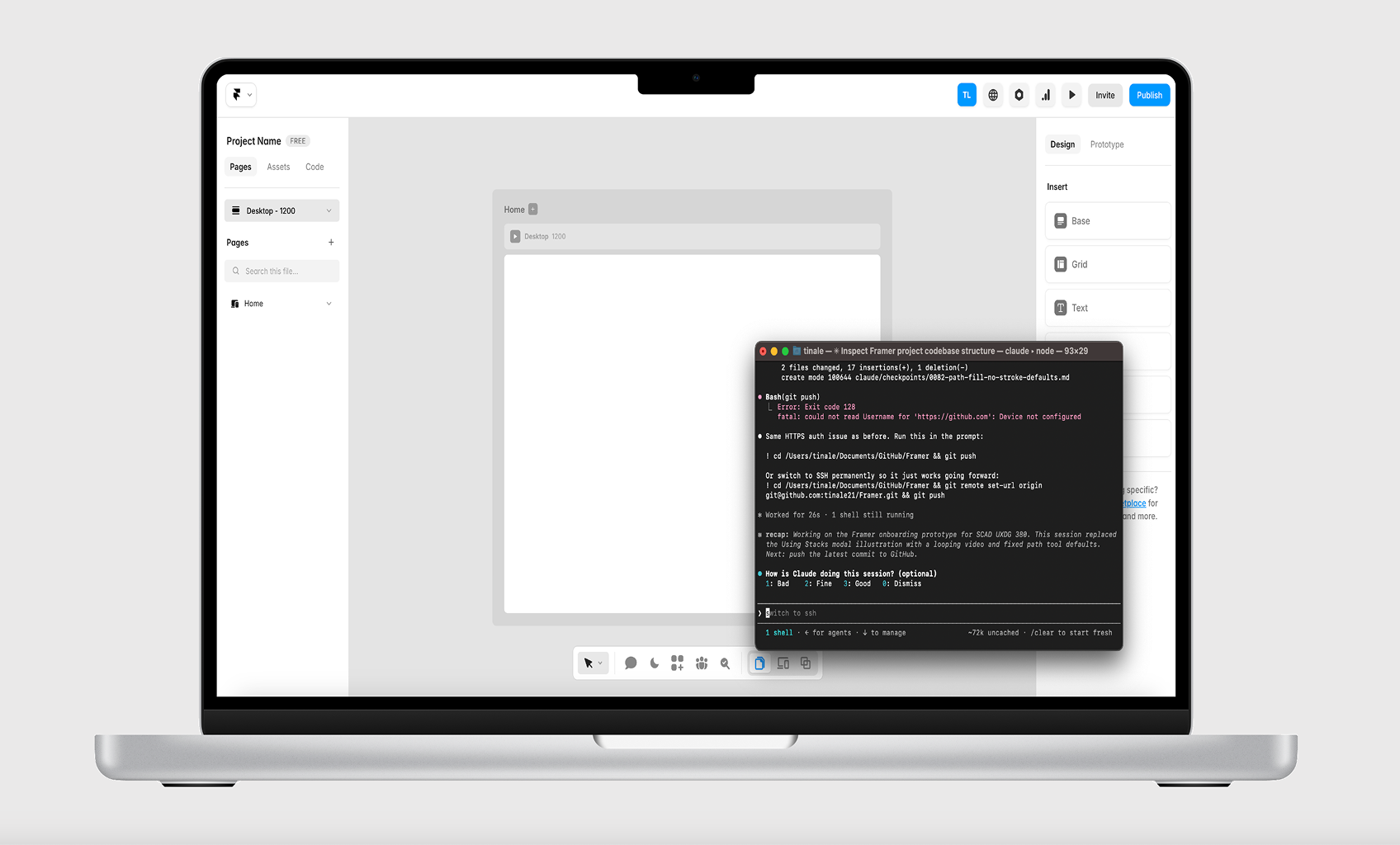
Prototype
Transformed the final designs into a fully interactive prototype through vibe coding with Claude, bringing the redesigned experience to life.
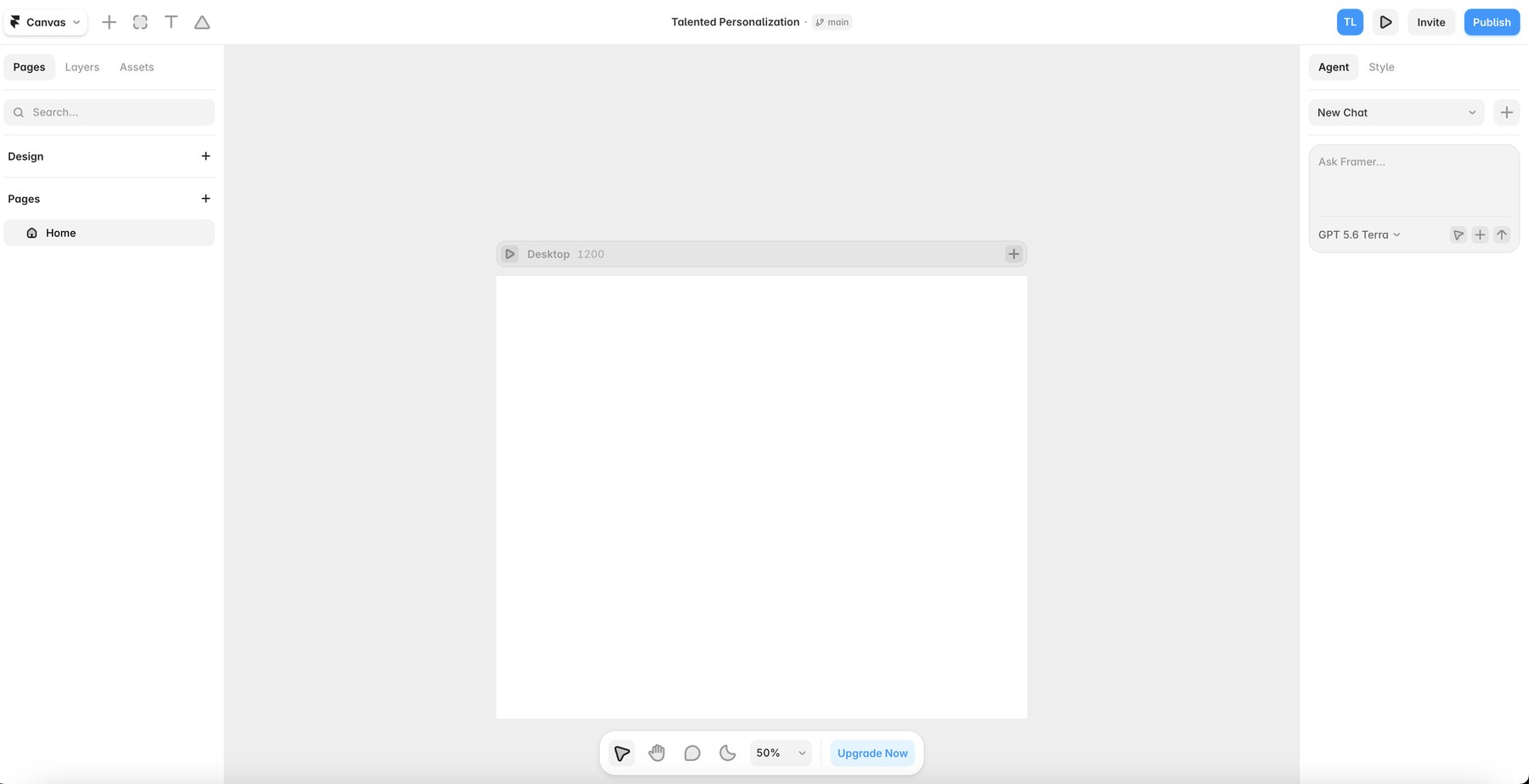
Before & After Overview
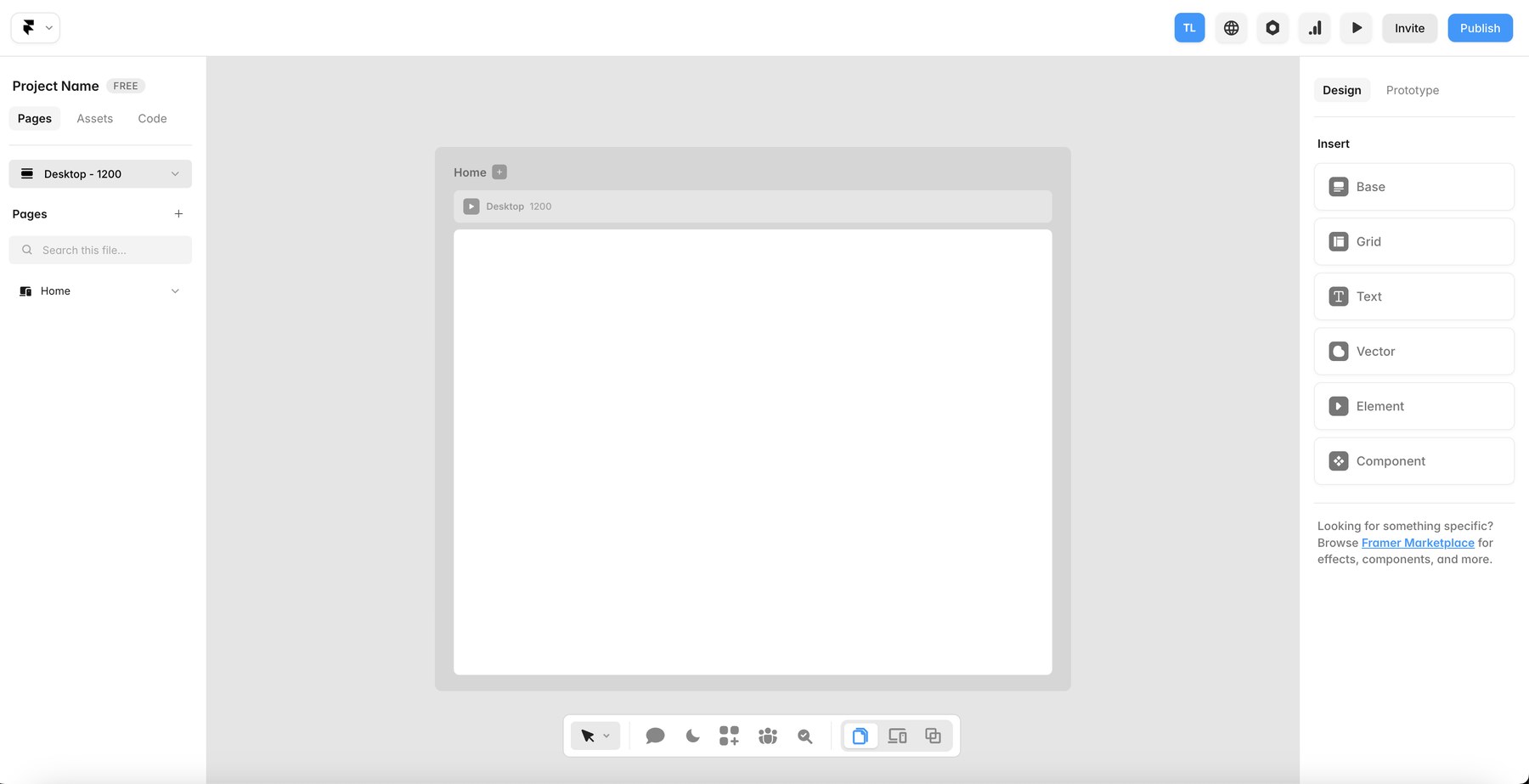
Final Design
Our final redesign transforms Framer into a more approachable website builder that helps first-time users and designers build with confidence.
This project reimagines Framer's onboarding and editing experience for first-time users and designers transitioning from Figma.
Guided by research and usability testing, the redesign introduces guided onboarding, contextual learning, real-time error checking, AI-powered design suggestions, and embedded resources that help users learn as they build. The result is a more approachable website-building experience with less friction and greater confidence.
Workspace
The redesigned workspace creates a familiar starting point with a Figma-inspired layout, clearer navigation, and organized tools that help first-time users build with confidence.
Guided Tutorial
Interactive tutorials teach core Framer concepts through hands-on exercises, helping first-time users build confidence.
Error Checking
The redesigned error checker provides real-time feedback on accessibility, spelling, and grammar, helping users identify issues early and apply suggested fixes
Recommendations
Smart recommendations appear based on the errors users encounter, surfacing relevant community assets, templates, and resources.
Community Assets
The integrated community library makes it easy to discover and add reusable assets, templates, and components without leaving the editor
Takeaway
The best part of this project wasn't learning how to use AI. It was learning how to collaborate with it.
Developing our final interactive prototype with Claude expanded my understanding of AI-assisted development and its capabilities beyond simple code generation. I gained hands-on experience using AI to build interactive interfaces, rapidly iterate on ideas, and transform static designs into fully functional experiences.
This project also showed me how AI can become a meaningful part of the design process, and it has since become an integral part of my workflow. More importantly, I learned that the best AI-generated solutions are driven by strong UX thinking, clear design direction, and intentional decision making.
If This Caught Your Eye, Try These